
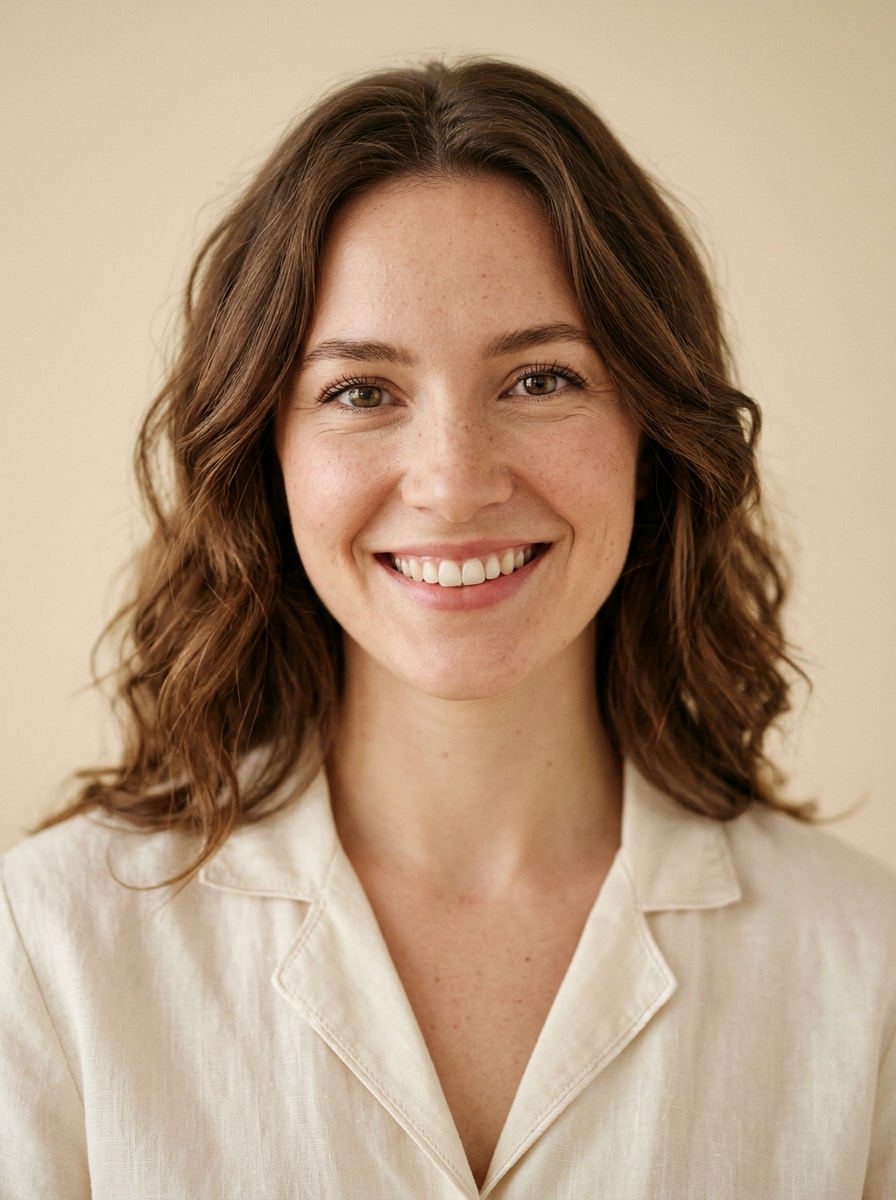
Upload Dad & Mom Photos
Start by uploading two clear front-facing portraits. Position Dad so his face fills the oval frame and Mom looking naturally at the camera, or click Try Sample Photos to test immediately.
Upload Dad and Mom photos to our free AI baby generator to preview your future boy, girl, twins, or warm family portrait in seconds.
Face fills the frame
Looking at the camera
Encrypted processing · Parent photos are never shared publicly
Our online predictor turns two everyday parent portraits into a warm studio keepsake in three simple steps.
Start by uploading two clear front-facing portraits. Position Dad so his face fills the oval frame and Mom looking naturally at the camera, or click Try Sample Photos to test immediately.
Tailor your prediction: choose Boy, Girl, or Twins under Gender, pick Baby, Child, or Teen for Age, and switch Photo Type between a solo close-up or a warm Family Photo.
Tap Generate Your Baby and watch our studio render a natural daylight portrait combining both parents. Save the image in full quality, compare options, or regenerate anytime.
Unlike a basic face-morph toy, this studio lets you explore gender, age milestones, and full family compositions without re-uploading photos.
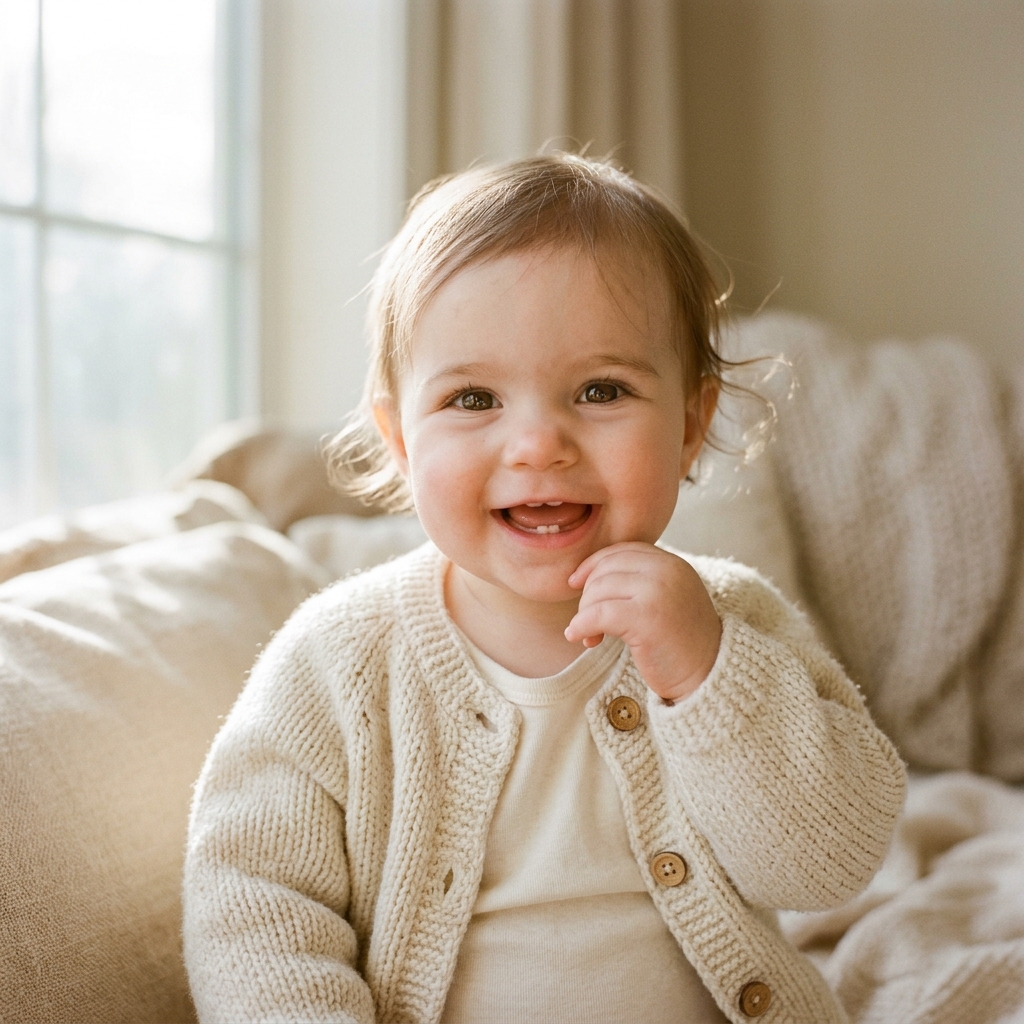

Wondering whether a future son would carry Dad’s brow line or a daughter would inherit Mom’s smile? Our baby generator lets you switch freely between Boy, Girl, and Twins using the same parent photos. Selecting Twins generates a natural sibling pair in one frame — making this option a favorite for gender-reveal parties and playful couple nights.
Most baby face generator tools only show an infant with generic newborn proportions. Here, you can preview three distinct life stages: Baby (0–2 yrs) with soft toddler features, Child (5–8 yrs) as personality and bone structure emerge, and Teen (14–17 yrs) where both parents’ facial contours become unmistakably clear.
Choose Single Photo when you want an intimate close-up of your future child, or switch to Family Photo inside the baby generator studio to place Mom, Dad, and baby together in warm sunlit knitwear. Because both parent references guide the scene, Family Photo feels like an authentic photography keepsake rather than a pasted collage.
Want the sharpest facial blend from your photos?
Check our quick lighting and framing checklist before uploading.
Designed to feel like a calm, thoughtful portrait studio — built for high-clarity results and zero clutter.
Preview a future son, daughter, or fraternal twins from the same Mom and Dad reference portraits with a single tap.
See how shared family traits could evolve across three milestones — Baby (0–2 yrs), Child (5–8 yrs), and Teen (14–17 yrs).
Choose a classic studio portrait of your future baby alone or generate a keepsake Family Photo with Mom and Dad smiling beside them.
Built for expecting couples, parents-to-be, and family fun. Uploaded portraits travel over encrypted connections and never appear publicly.
| Feature | Our AI Baby Generator | Typical Morph Apps |
|---|---|---|
| Output Style | Warm sunlit studio photography | Flat cutout or overly smoothed filter |
| Gender Options | Boy, Girl, or Twins in one studio | Single child only |
| Age Progression | Baby (0–2 yrs), Child (5–8 yrs) & Teen (14–17 yrs) | Newborn face only |
| Family Photo Mode | Mom, Dad & future child together | Not supported |
| Account Required | No signup needed — instant browser preview | Mandatory email or paywall upfront |
Every portrait model relies on clean facial cues. Follow these simple photo guidelines before generating your keepsake.
In real life, a child’s eye color, hair texture, dimples, and facial features come from complex combinations of dominant, recessive, and polygenic traits passed down from both parents and grandparents. No online tool accesses DNA — instead, our AI baby generator creates an artistic, photorealistic estimate based on visible portrait geometry. If you’re curious about the real biology of inherited traits, explore the MedlinePlus Genetics Guide from the U.S. National Library of Medicine.
Answers to common questions about our free baby generator, photo quality, twins mode, and privacy.
Our AI baby generator examines visible facial proportions from both Dad and Mom — including eye spacing, brow contour, nose bridge, smile warmth, and skin tone — and synthesizes a photorealistic portrait tailored to your chosen gender, age, and photo type.
Yes. Inside the controls, select Twins under Gender to preview a sibling pair, or switch Photo Type from Single Photo to Family Photo to see Dad, Mom, and your future child together in one natural studio portrait.
Front-facing portraits taken in soft, even daylight give the clearest facial detail. Keep both faces centered inside the dashed oval alignment guide without sunglasses, heavy filters, masks, or shadows across the eyes and mouth.
Yes. Without re-uploading Mom and Dad, switch the Age selector between Baby (0–2 yrs), Child (5–8 yrs), and Teen (14–17 yrs) to preview how your future child could look across different milestones.
Yes, you can upload your own parent photos or test the predictor immediately with our built-in sample Mom and Dad portraits directly in your browser with no account signup required.
Most portraits finish in roughly 20 to 60 seconds depending on studio demand and whether you selected a Single Photo or a multi-person Family Photo composition.
No digital tool can predict real DNA inheritance or recessive genes. Think of our studio as a realistic, heartwarming visual preview inspired by both parents’ visible facial traits rather than a medical or genetic test.
Yes. Your uploaded parent photos are used solely to generate your requested portrait via encrypted transfer and are never displayed publicly or added to any gallery.
Scroll back up to the free AI baby generator, upload Dad and Mom portraits (or try our sample photos), and create your keepsake in seconds.